Back to Resources & Insights

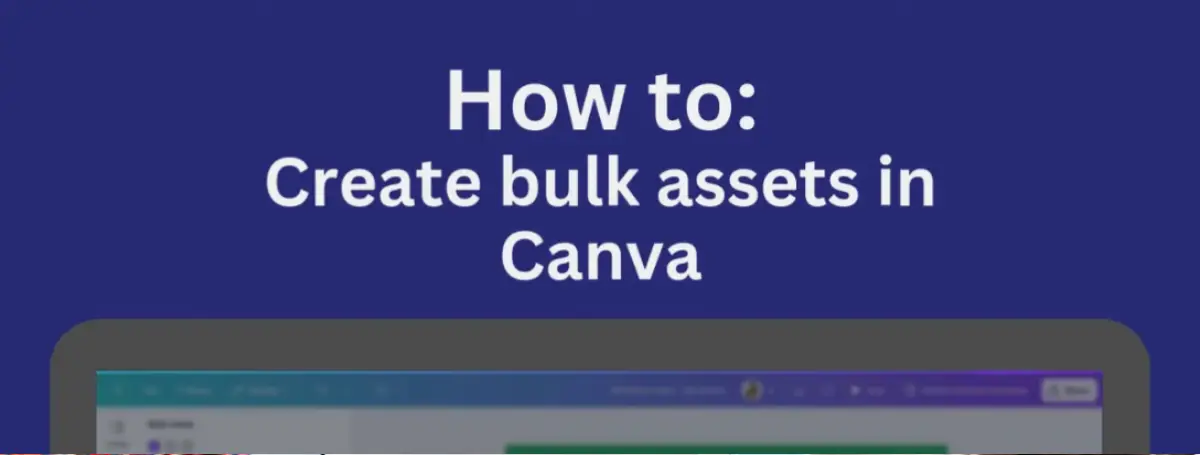
How to Bulk Create Canva Assets

Looking for a faster way to design multiple social media posts, presentations, or marketing materials? Discover how to bulk create assets in Canva and save time while boosting productivity.

virtual-marketers-how-to-bulk-create-canva-assets
Picture of Fran Bellingham

Fran Bellingham

🎨 How to Bulk Create Assets in Canva – Save Time & Boost Productivity! 🚀

Looking for a faster way to design multiple social media posts, presentations, or marketing materials? In this video, we’ll show you how to bulk create assets in Canva—a game-changing feature that allows you to generate multiple designs in just a few clicks!

What You’ll Learn:

✅ How to use Canva’s Bulk Create tool
✅ How to copy data into the tool for automated designs
✅ Tips for customising and exporting bulk-created assets

Whether you’re a content creator, marketer, or business owner, this Canva trick will save you time and effort while maintaining a professional look across all your designs.

💡 Don’t forget to like, subscribe, and hit the notification bell 🔔 for more marketing tutorials and design hacks!

Got questions? Drop them in the comments, and let’s chat! 💬👇

Key Takeaways

Categories

Talk to us

Need a hand with your marketing?

Plug in a specialist marketing team within 24 hours.

Marketing Teams

A whole marketing team, on tap

Think of us as your marketing team on demand. No hiring stress, no rigid contracts, just expert help that is flexi to whatever you need right now.

STARTING FROM

$1600/month

+GST/NZD

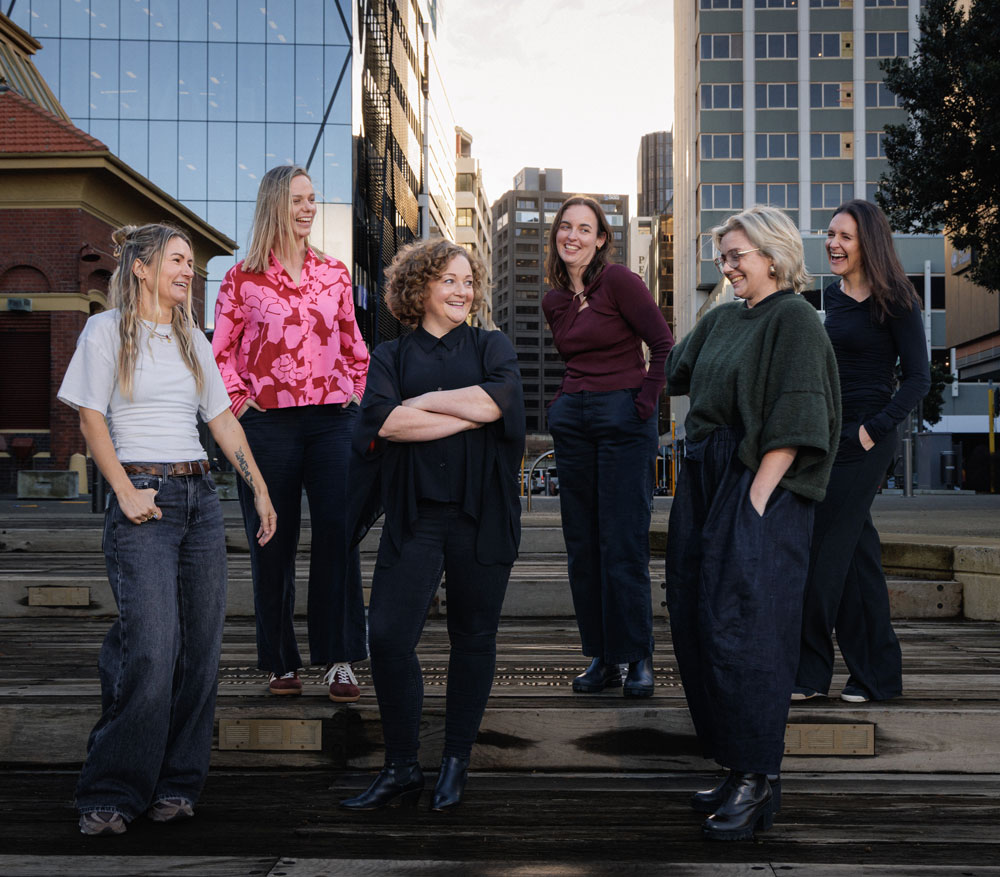
Virtual Marketers team standing together on a city waterfront - Virtual Marketers fractional marketing agency in NZ

RESOURCES & BLOG

Marketing know-how, shared

Get the marketing team and project support you need, and start growing your business today.

Contact us

Book a free discovery call with the team

See our work

Real results for real NZ Businesses